Diffs and the Graph
Click a changed file in Source Control, or Open Changes in the top bar, to see what changed since the last commit. The visual editor marks changes word by word, the source editor line by line.
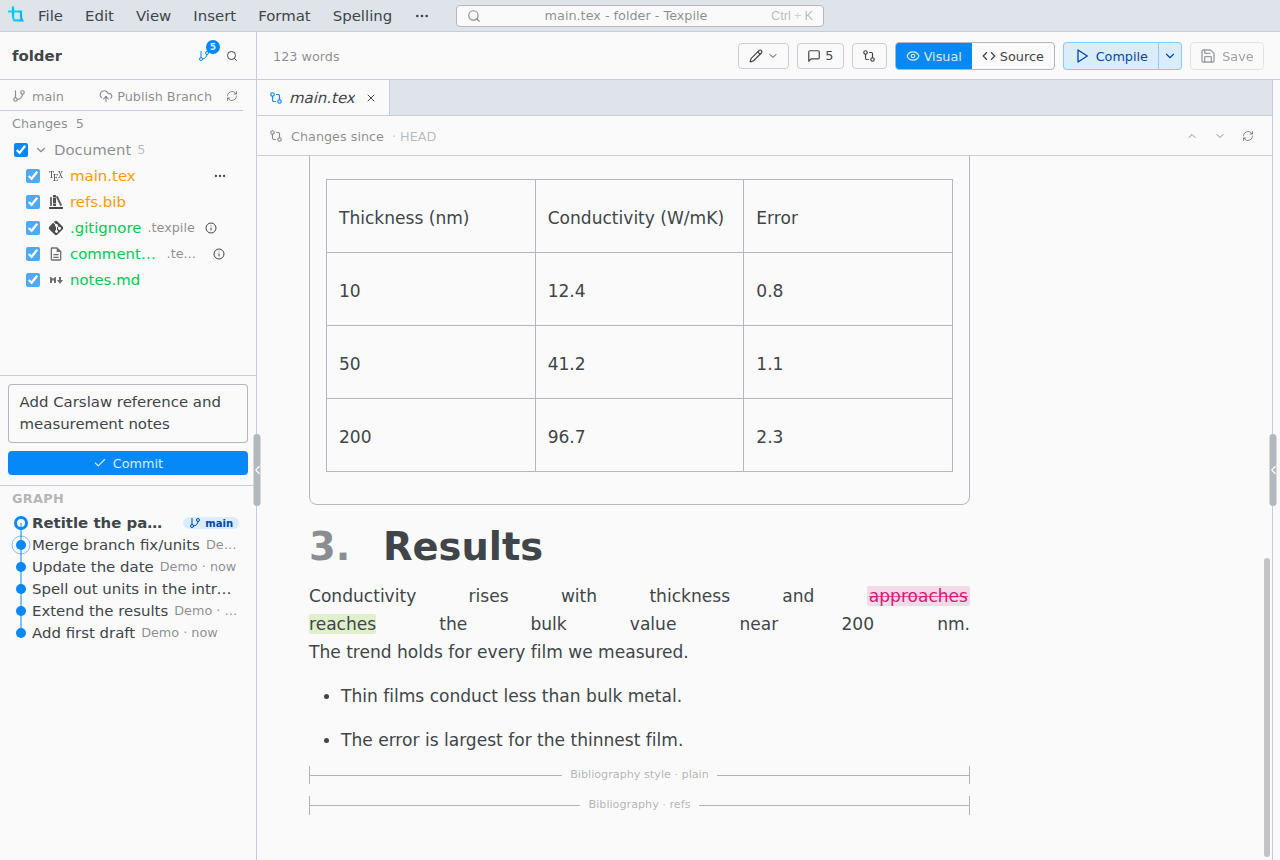
- Revert Change beside a change puts back only that change.
Alt F5andShift Alt F5go to the next and previous change, on macOS too.- In the source editor the margin marks added (green), changed (orange) and removed (red wedge) lines. Click a mark to see the old lines and revert them.
The Graph
The commits, newest first, below the changes list. Click a commit to compare it with your files.
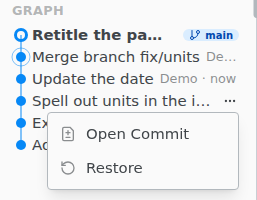
Restore brings the whole project back to that commit, as a new commit you can undo. Uncommitted changes are committed first.
For the saved copies of a single file, see Version History.