Figures and images
Drag an image onto the editor, paste one, or use Insert › Image…. A pasted picture is saved in an images folder next to the file.
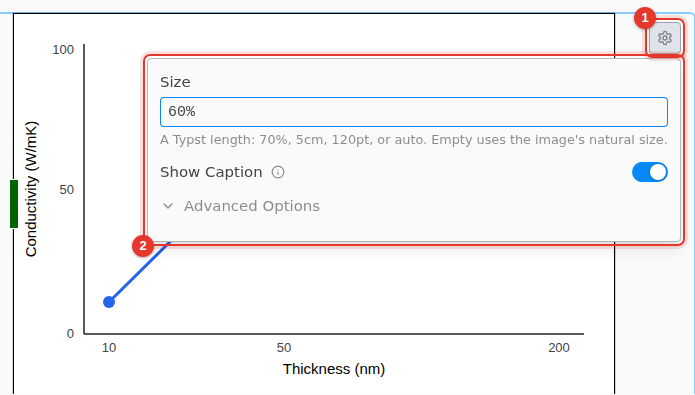
- Select the image and click its settings icon.
- Set the Size as a Typst length, such as
70%or5cm, and turn on Show Caption.
The label is under Advanced Options. An image you give a label becomes a figure, because Typst references figures only.