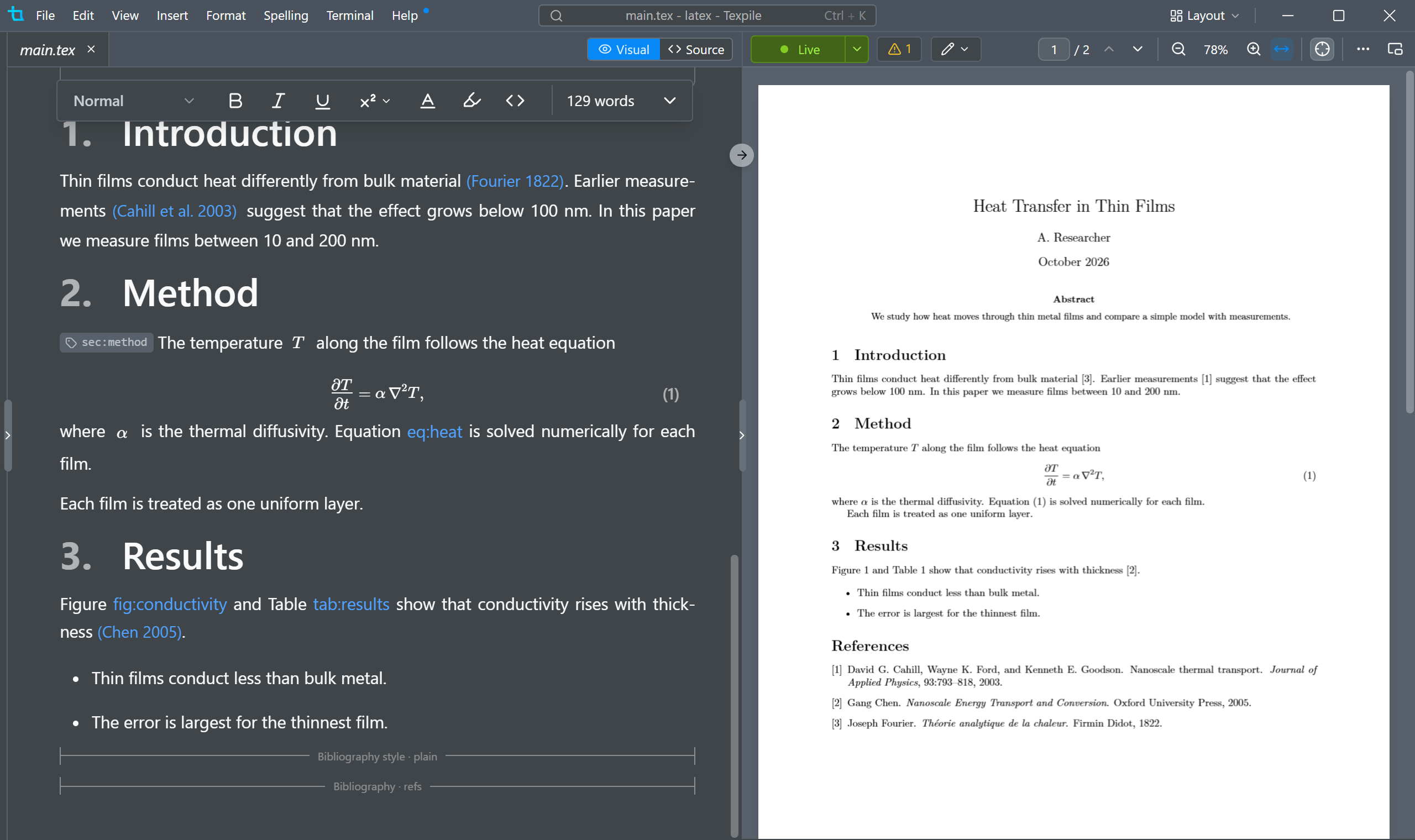
Math
Tab finds any symbol by name.
Two ways to write a document
Unlike LyX, Texpile stores nothing but .tex. Write in source or write visually, in the same file, and it is saved back with only your edits changed.
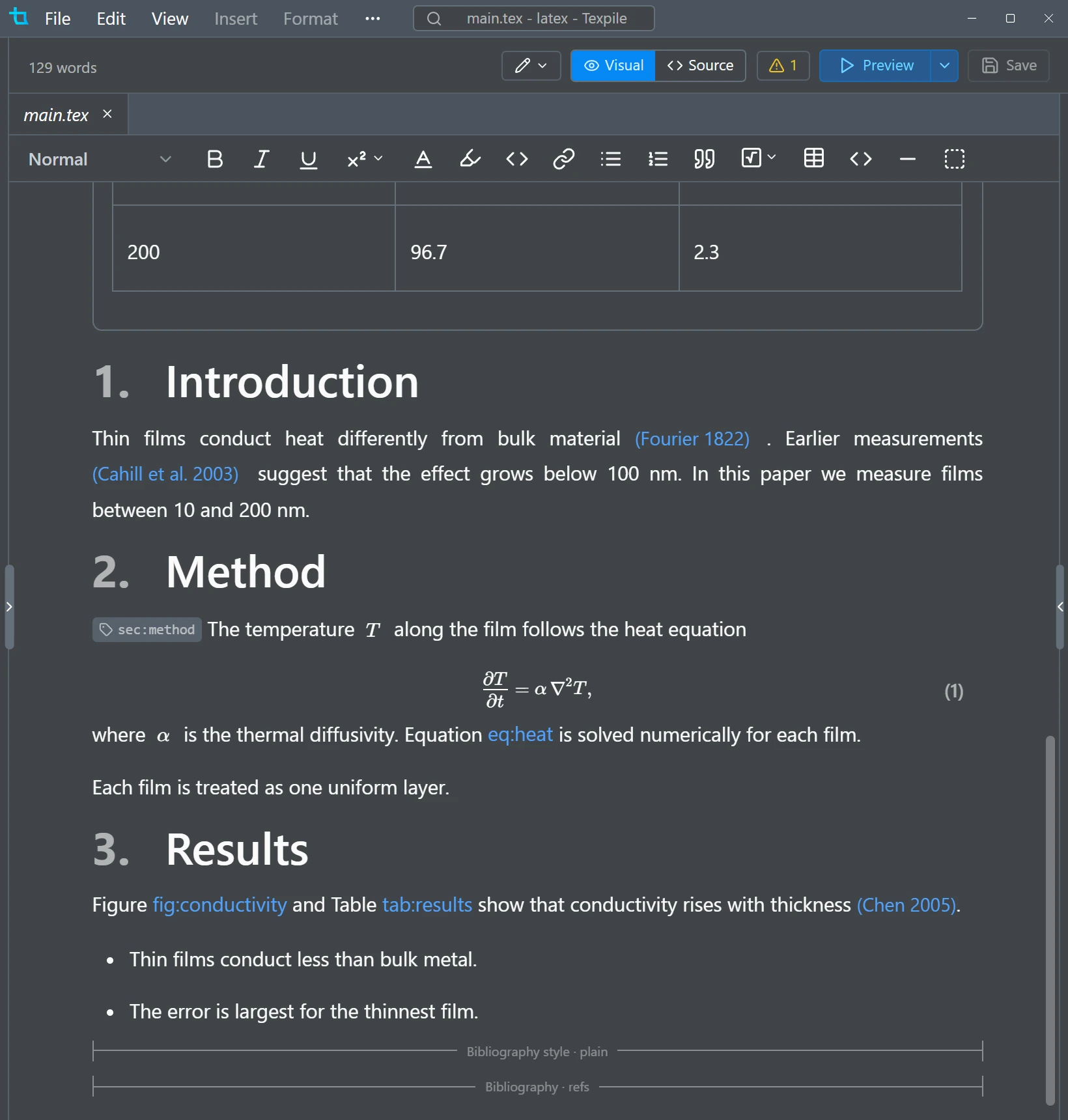
Visual editing
- Type @ to reference any equation, figure, table, or citation.
- Equations render inline and keep their numbering.
- Tables support multirow and multicolumn, edited visually.
- Drag or paste images in, then resize with handles.
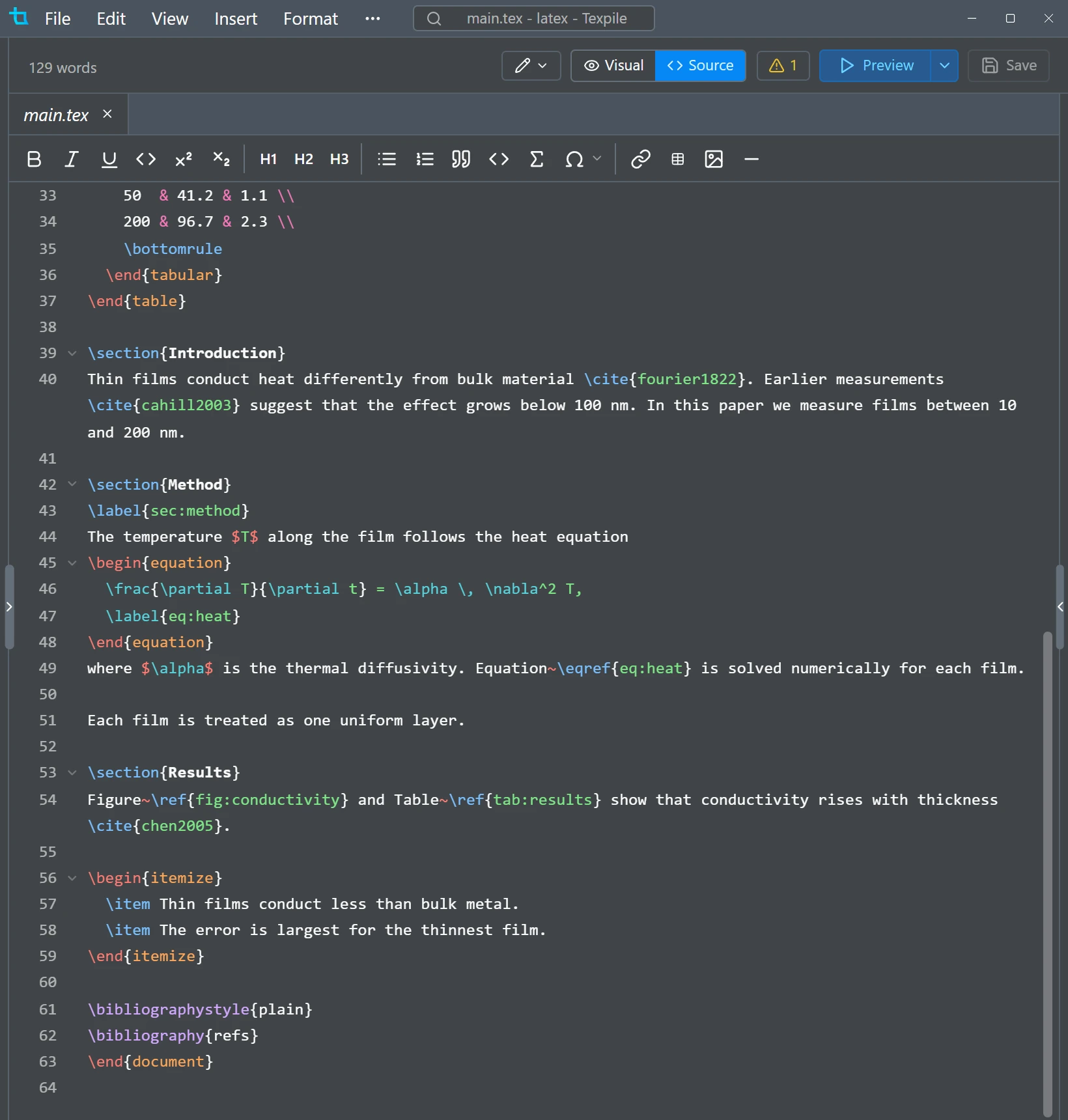
Source editing
- Autocomplete for commands, environments, \ref, and \cite.
- File paths complete inside \input and \includegraphics.
- References update when you rename or move a file.
- Your own \newcommand macros are picked up.
Built for reviews
Write like an author, not a developer.
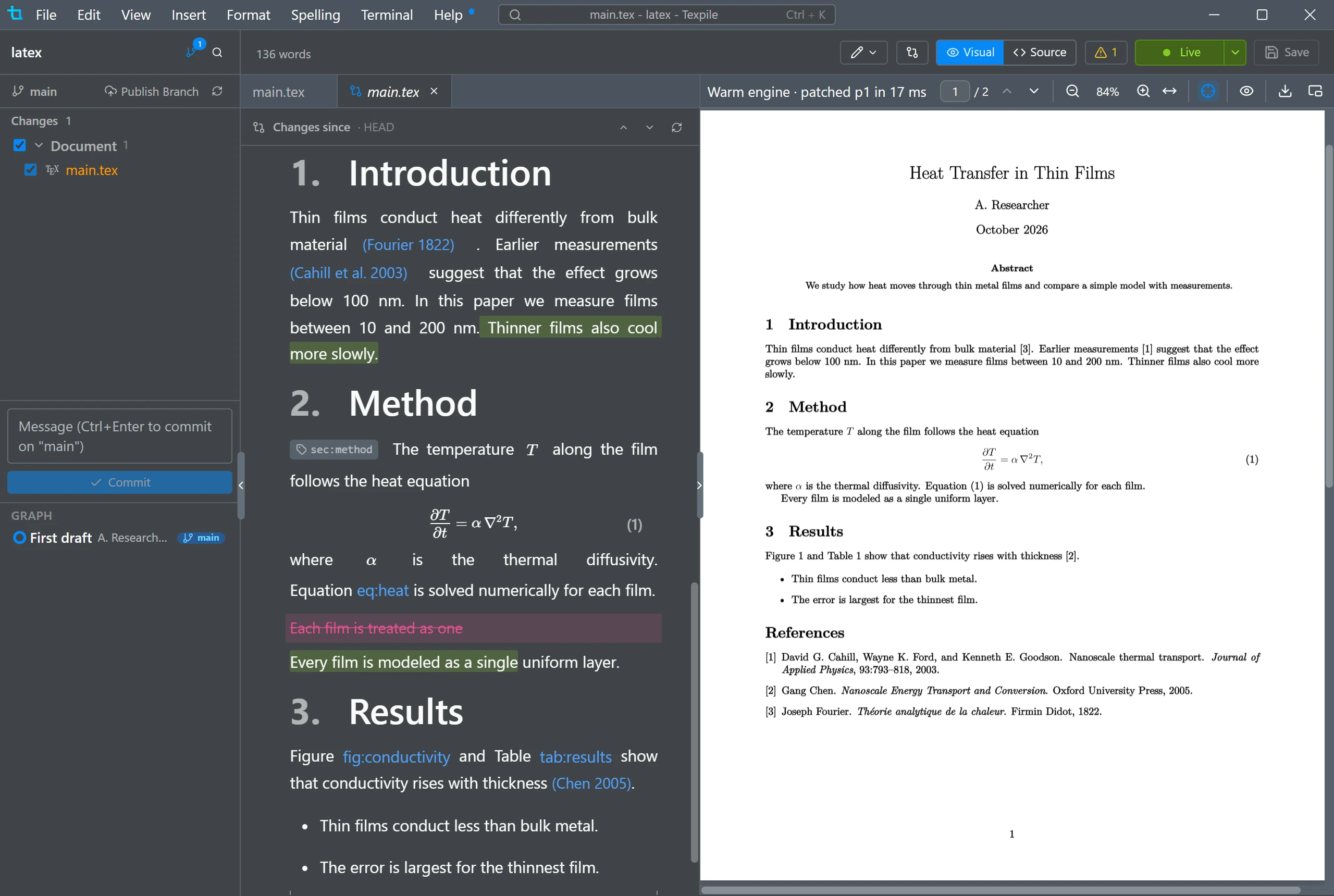
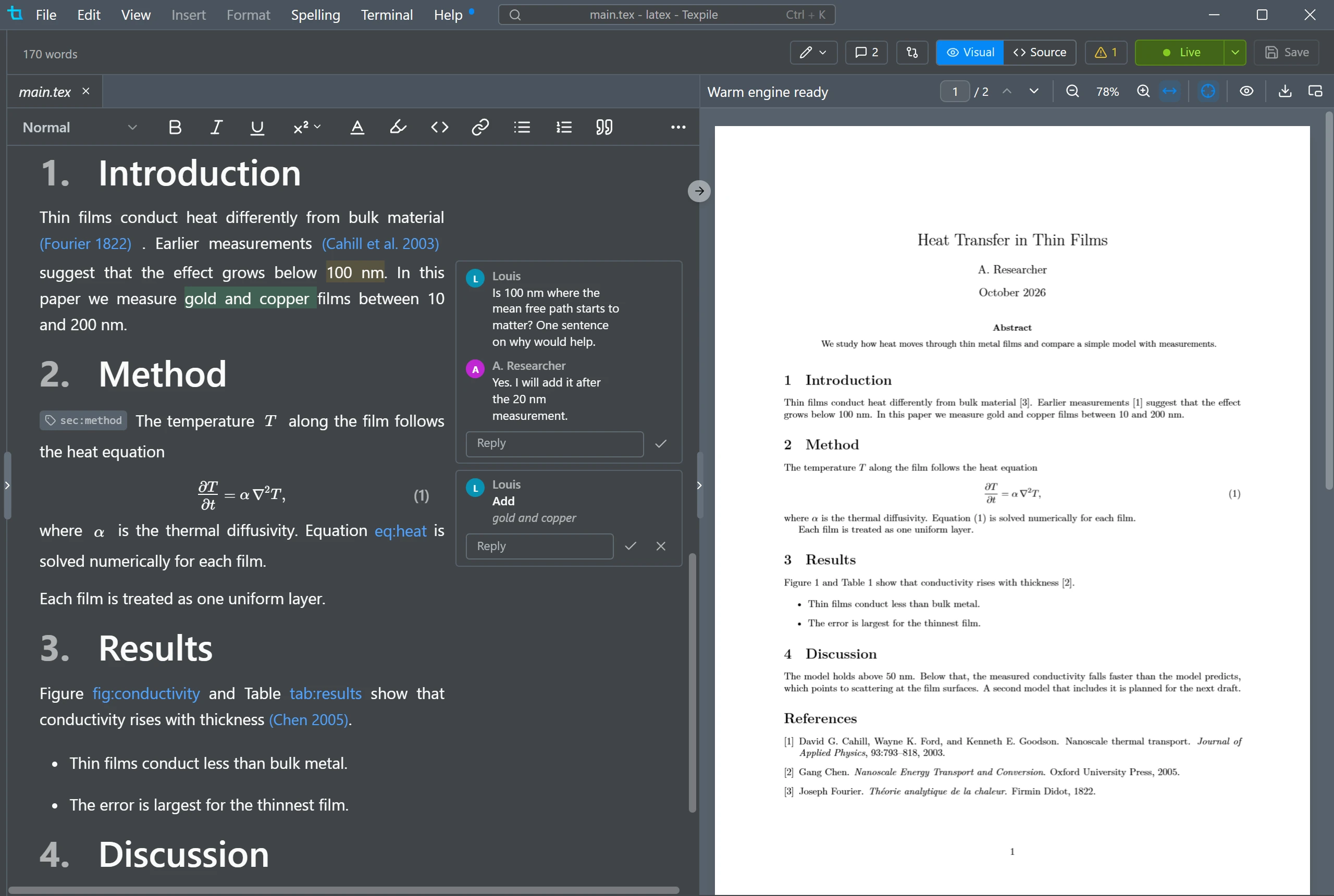
Live preview
Texpile runs its own script inside the lualatex you already have installed, so most changes render in under 20 ms.
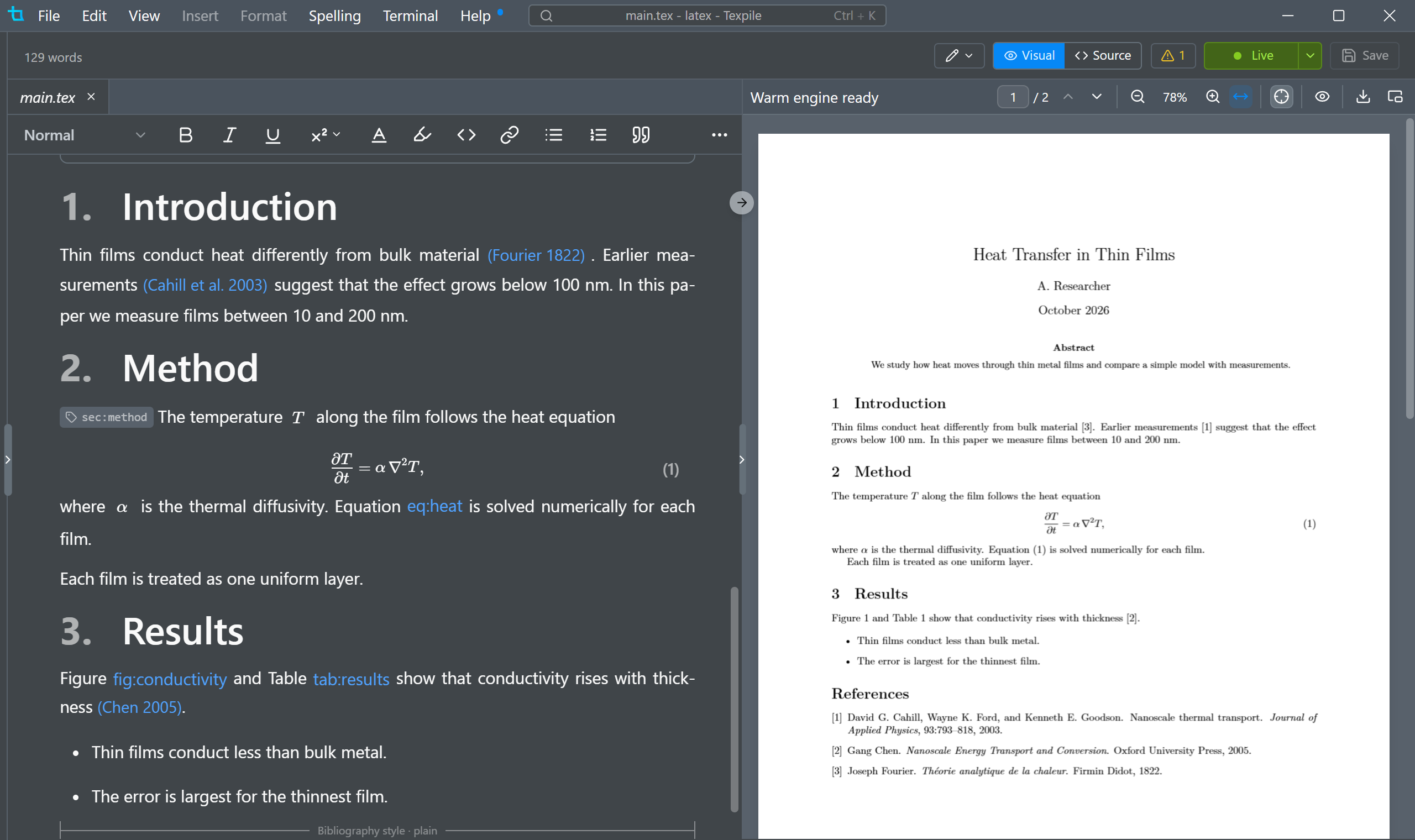
Write together in real time
Share a project with up to 8 other people and edit it together in real time. No account needed, and end to end encrypted.
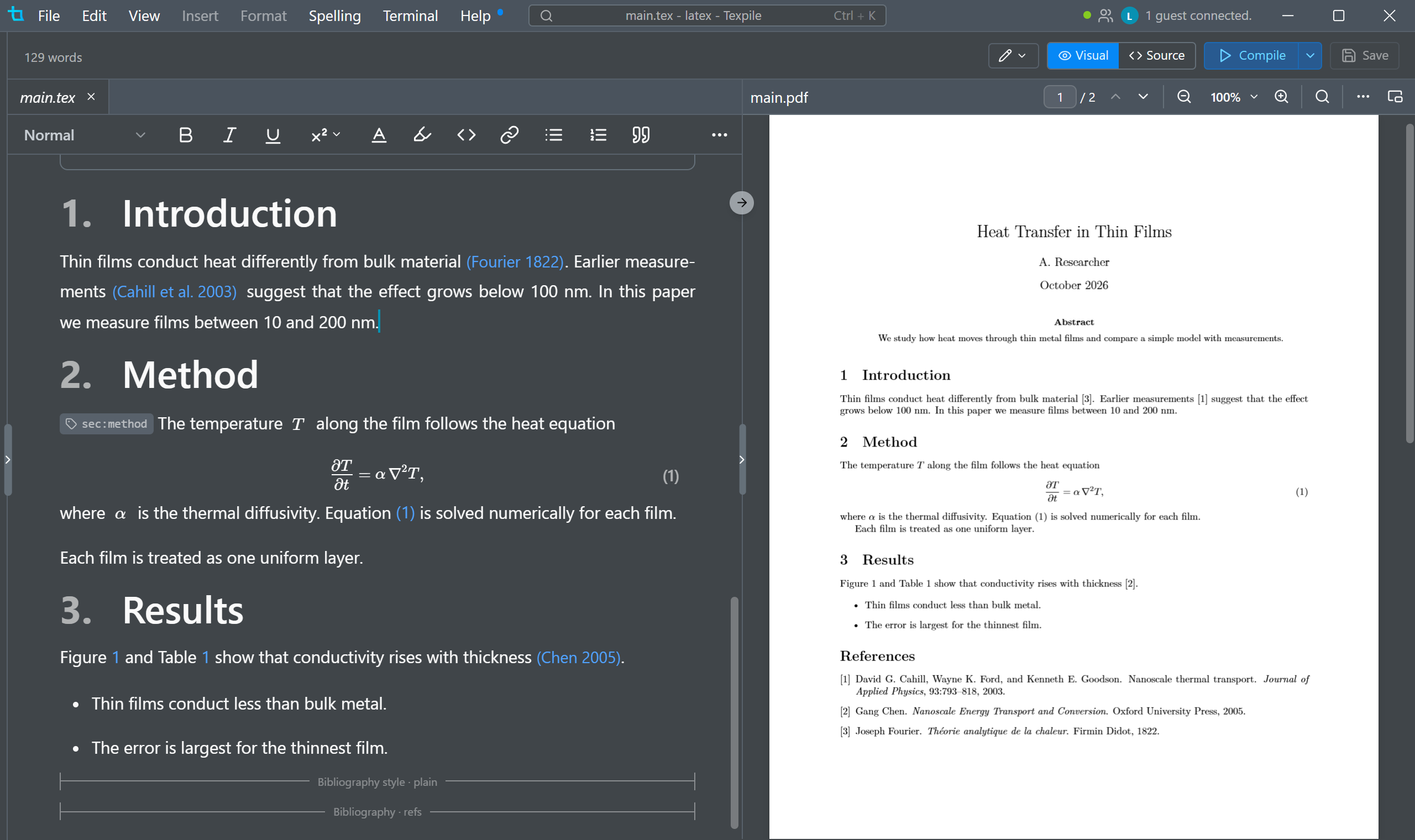
AI integration
Uses Claude Code, Codex, Gemini, Copilot or OpenCode, whichever is already on your computer, with your own subscription rather than an API key.
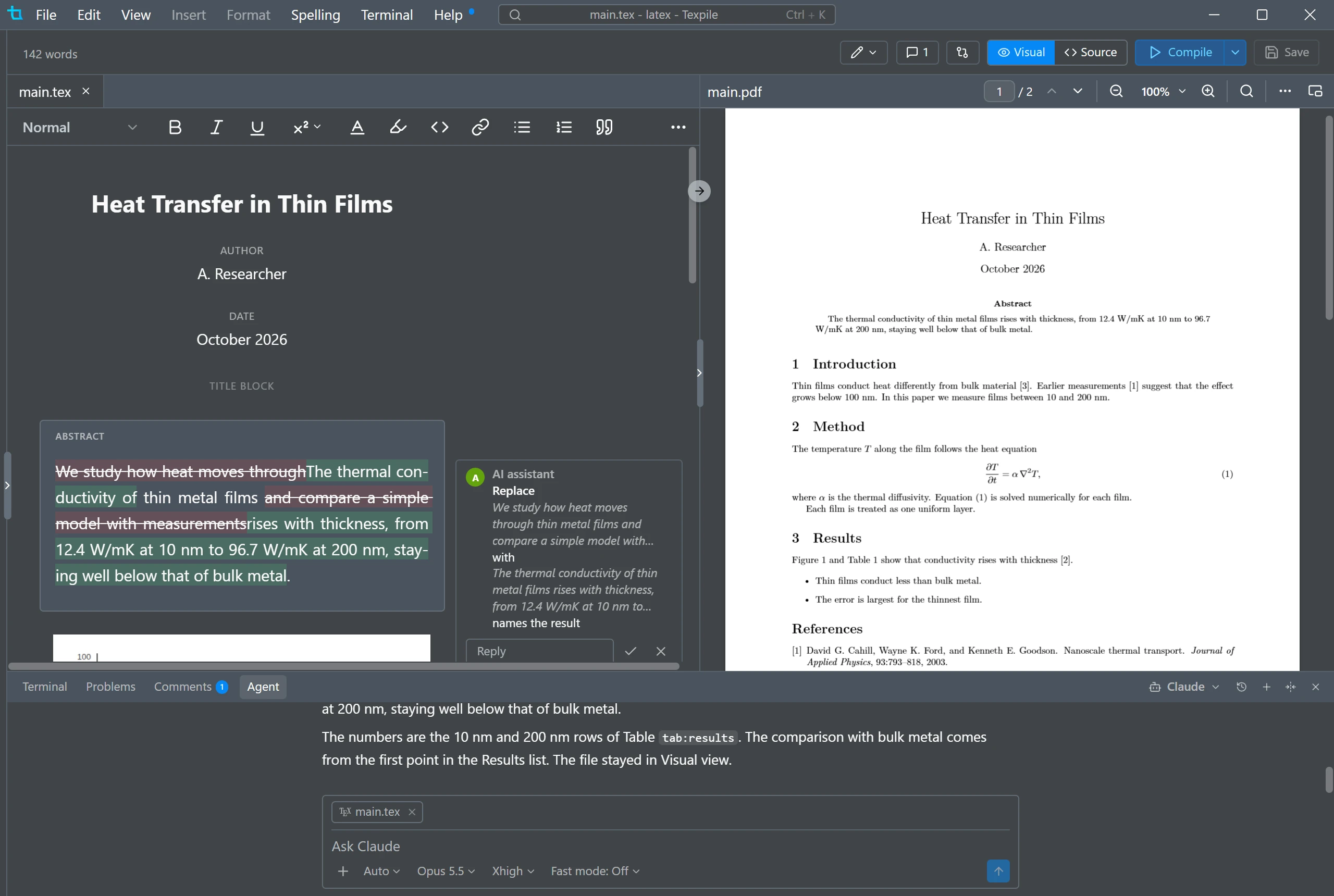
Themes
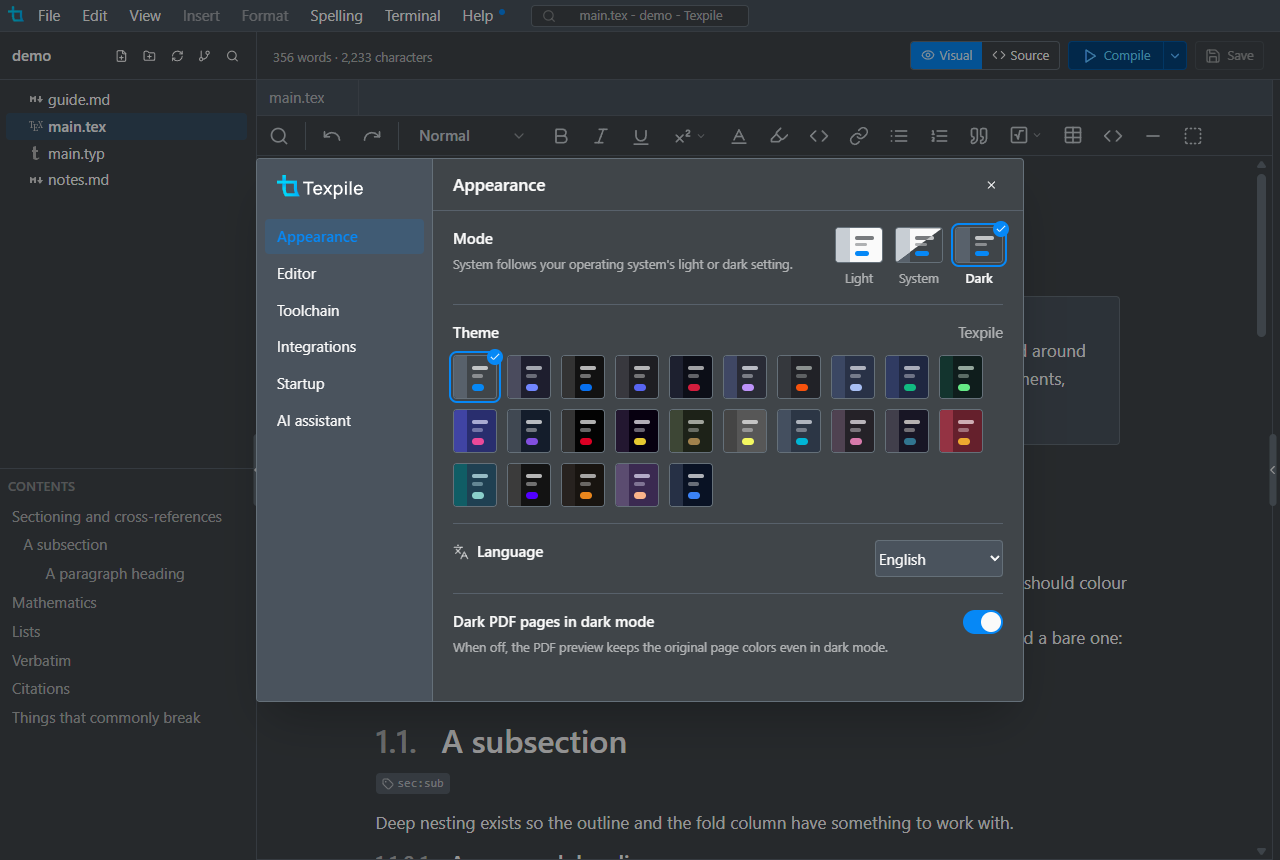
Light or dark mode, and a color theme for the whole window, picked in Preferences.
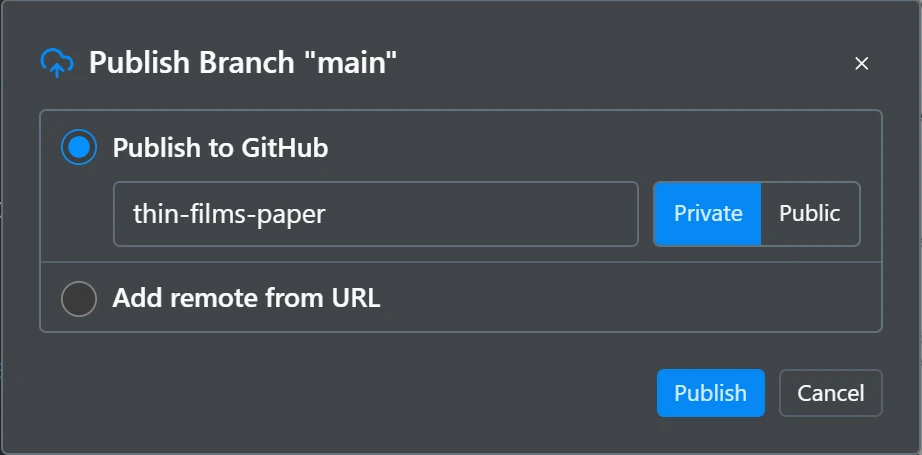
Works with the tools around your paper
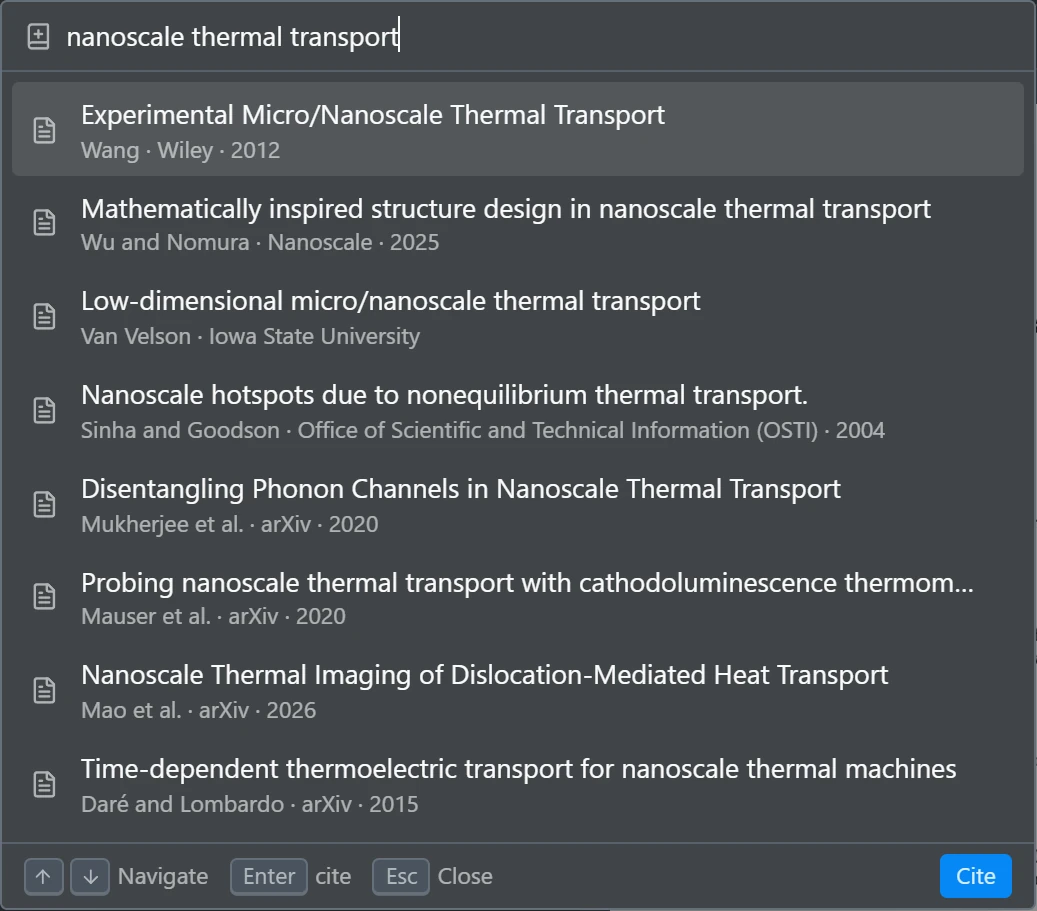
Cite by title or DOI
Crossref, arXiv, ISBN and PubMed. Zotero works too, with Better BibTeX.
Also in Texpile
The features every LaTeX editor has. They did not earn a section of their own.
Built-in terminal
A real shell for latexmk or any compile command.
Multi-file projects
Fragments parse with the main file's macros.
Command palette
Ctrl+K opens a file, compiles, or runs any editor action.
Vim and Emacs
Modal keybindings for the source editor, chosen in Preferences.
Multiple cursors
Add cursors down a column, or select the next occurrence.
Spell check
Checks your prose, skips commands, math, and comments.
MCP
Connect Claude and other AI assistants to the editor.
Tabs and session restore
Reopen a folder and your tabs and cursor come back.
SyncTeX
Click in the PDF to jump to the source line, and back.
Math preview
Equations preview live in the source editor.
Download
Free. Windows, macOS, and Linux.
DownloadCompiles with your own TeX distribution: TeX Live, MacTeX, or MiKTeX. Editing works without one.
Windows · macOS · Linux · Offline · AGPL-3.0