Compiling
A Typst project shows a live preview instead of compiling. Preview in the top bar opens it, and Live closes it. To save a PDF, export the document.
Compile to a PDF file instead
Open the menu next to Preview and choose Configure Compile Command….
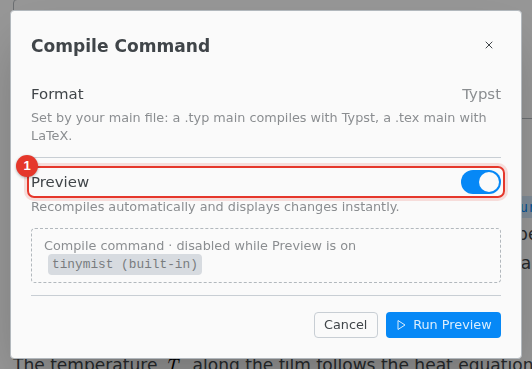
- Turn off Preview.
The button then reads Compile, and it saves the PDF in an output folder and shows it beside the editor. Clicking that PDF does not jump to the source: only the preview does.
Problems
Errors and warnings show under the text and in the Problems tab of the bottom panel. Click a row to jump there.