GitHub and other remotes
Make your first commit, then choose Publish Branch in the Source Control header.
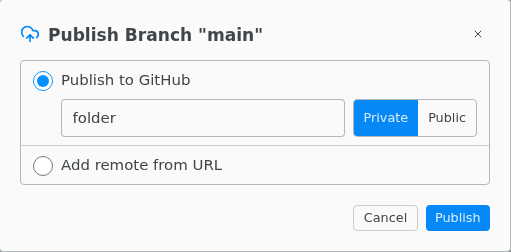
Publish to GitHub creates a new repository and pushes over HTTPS. Add remote from URL pushes to an existing empty repository on any host, such as GitLab, Bitbucket or Codeberg.
Sign in
- Sign In to GitHub in the command palette signs in to github.com through your browser.
- Otherwise Texpile uses the sign-in git already has on this computer, such as a saved password or an SSH key, and asks only when there is none. For GitHub the password is a personal access token with the
reposcope. - A username and password that work are saved in your system keychain. Forget Saved Git Credentials in the command palette removes them.