MCP server
Lets an AI assistant such as Claude Code read your editor and leave comments and suggestions. Off until you turn it on.
Requires an AI assistant that supports MCP
- Turn on MCP server in
Preferences › AI Assistant. The line under it reads "Listening on 127.0.0.1:7317". - Click Show Instructions and paste the message into your assistant.
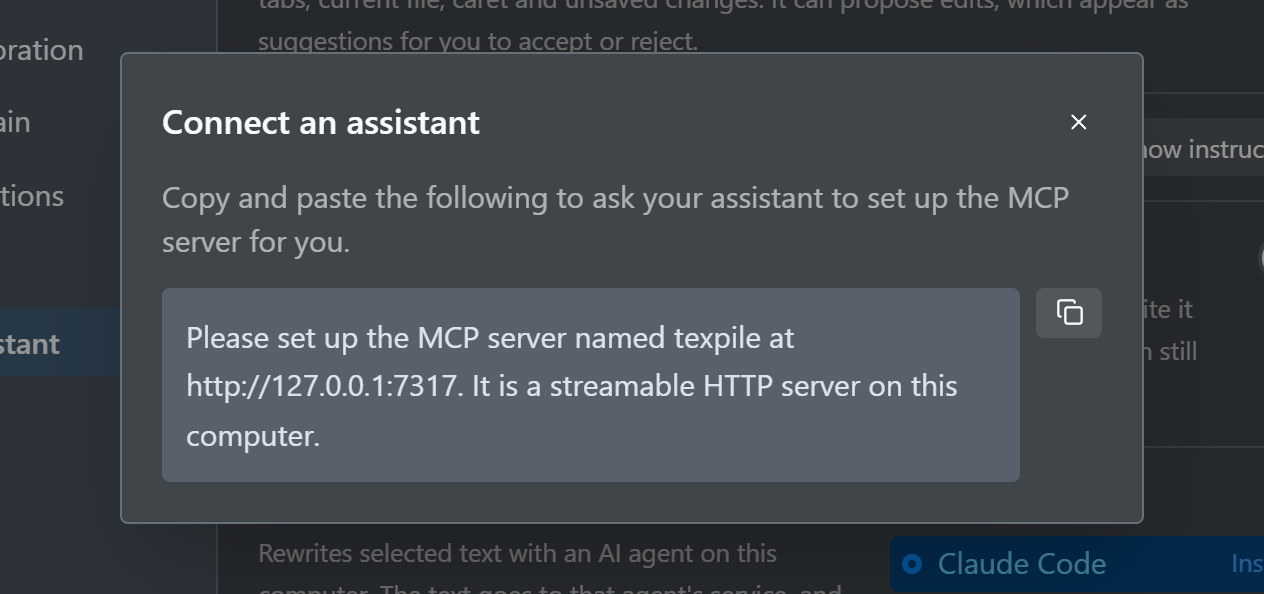
If the assistant cannot add it, add a server named texpile at http://127.0.0.1:7317 in its MCP settings. Agents in the Agent tab get the same tools without the server.
The assistant changes your text only through suggestions. While the server is on, any program on your computer can connect without a password.
Change the port
"Not running: …" means another program uses port 7317. Quit Texpile, set "mcpPort": 7400 (or another free port) in settings.json in Texpile's app data folder, start Texpile, and give your assistant the new instructions.