Templates
An empty folder offers templates on its LaTeX and Typst tabs. Picking one copies its files into the folder.
Save your own template
Set the main file, then File › Save as Template…. The template appears under Your Templates on the tab that matches the main file. Desktop app only.
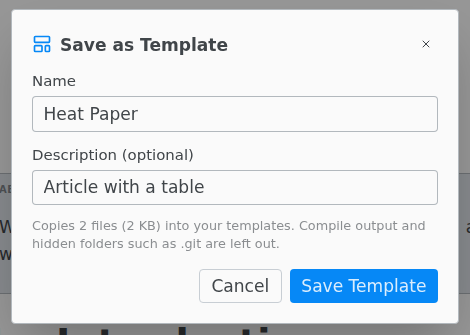
The template leaves out the compiled PDF, files the build makes such as .aux and .log, build and _draft folders, and hidden folders such as .git and .texpile.
If the project is on GitHub or another Git server, Save offers Git Remote. That template stores the address alone, and each project made from it downloads only the newest version of the files.
Import Your Own
On the LaTeX tab, Import Your Own copies .tex, .bib, .cls, .sty or .bst files into the folder and makes the one with \begin{document} the main file.
Typst templates
On the Typst tab, Browse Typst Templates… lists the community templates from Typst Universe. See Typst templates.