Source editing
Source editing
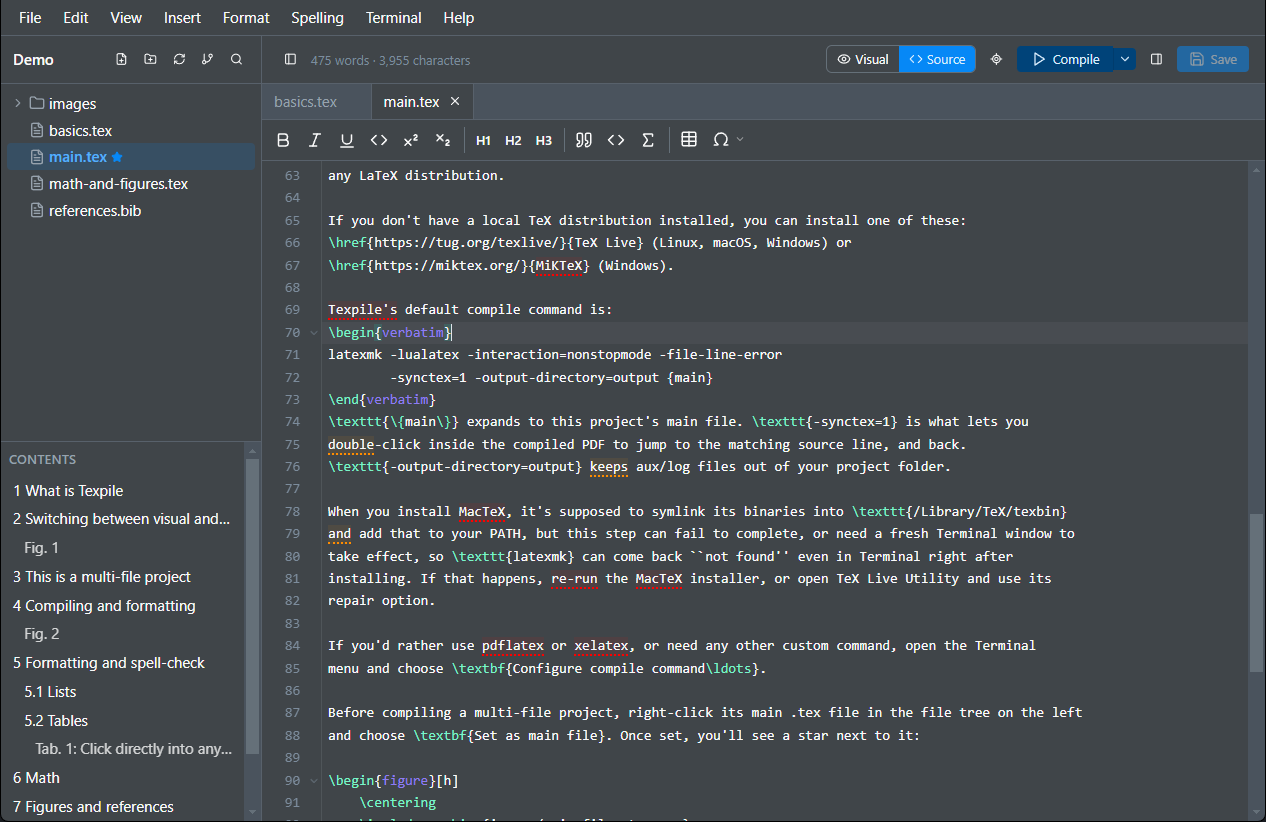
The source editor is a full LaTeX code editor with syntax highlighting, showing the same document as the visual editor.
- In the editor
- The Visual / Source toggle Top right corner of the editor.
- Setting
- File › Preferences… › Keybindings Default, Vim, or Emacs.

Keymaps
Choose default, Vim, or Emacs keybindings in Preferences. The choice applies to the source editor only.
Multiple cursors
Ctrl+Alt+Up and Ctrl+Alt+Down add a cursor above or below. Ctrl+D selects the next occurrence of the current selection, so repeated edits can be made in one pass.
Inline math preview
Equations preview as you write them, rendered with your own macros so a formula built from your definitions still shows correctly. Click away or press Esc to dismiss it, and turn it off entirely from Preferences › Math preview.
Spell check
Runs locally and checks prose only: your commands, math, and comments are skipped.
Shortcuts
The source-specific keys, on top of the ones shared with the rest of the app.
| CtrlAlt↑/↓ | Add a cursor above or below |
| CtrlD | Select the next occurrence |
| CtrlSpace | Open suggestions |
| F12 | Go to definition (or Ctrl+Click) |
| Esc | Hide the math preview |
On macOS, use Cmd wherever this table says Ctrl.
Toolbar
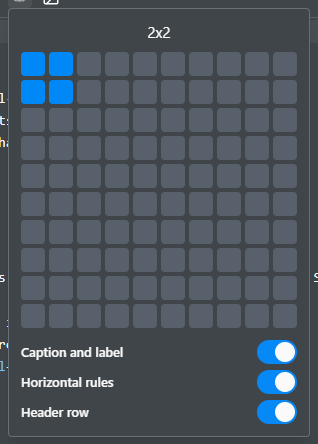
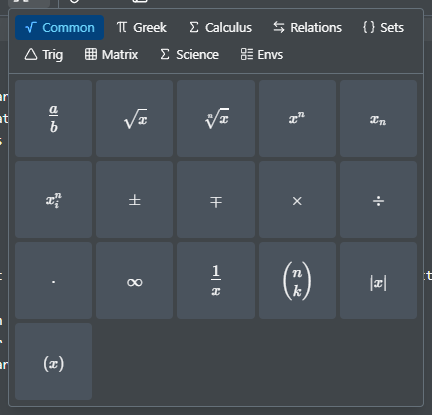
The same formatting commands as buttons, for the chords you don't have memorized. It also inserts a table by size, and math symbols by category (Greek, calculus, relations, sets, matrices), the same way the visual editor's toolbar does.