Intellisense
Intellisense
Completion, go-to-definition, and hover in the source editor, drawing on your whole project rather than the open file.
Where to find it
- In the editor
- Always on in the source editor Suggestions appear as you type.
- Shortcut
- Ctrl+Space Open suggestions.
- Shortcut
- F12, or Ctrl+Click Go to a definition.
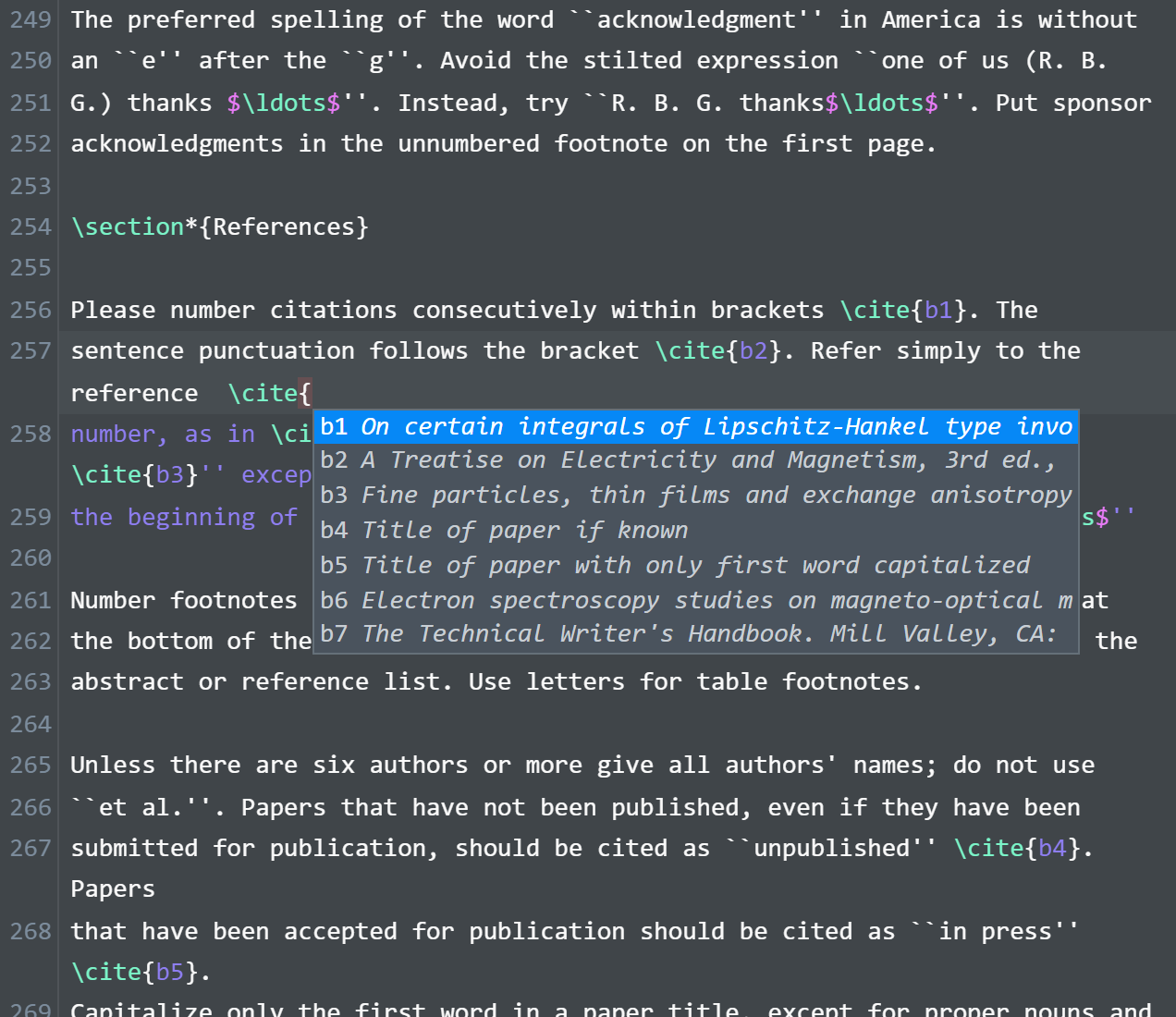
Completion covers commands and environments, including your own macros, package and class names with their options, \ref labels with their numbers, \cite keys searchable by title and author, and file paths in \input, \includegraphics, and \addbibresource. Macros come from the main file and everything it includes. Labels and keys come from every file in the folder.