Figures and images
Drag an image onto the editor, paste one, or use Insert › Image…. PNG, JPEG, GIF and WebP work. A pasted picture is saved in an images folder next to the file.
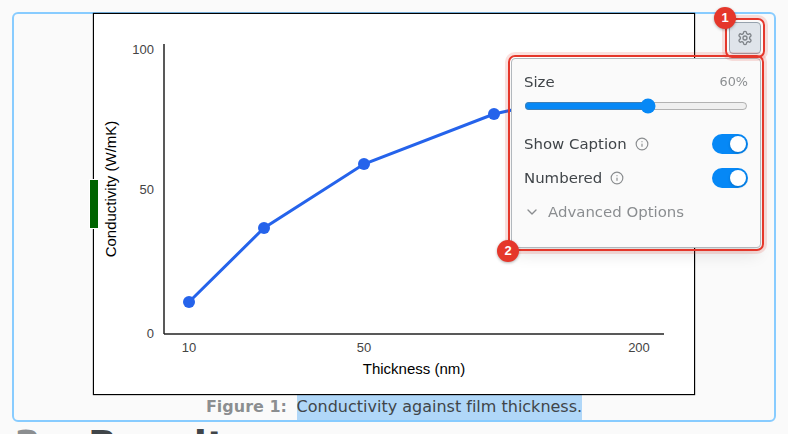
- Select the image and click its settings icon.
- Set the Size, and turn on Show Caption and Numbered.
Type @ anywhere to reference a numbered figure. Drag the handles of a selected image to resize it.
A PDF figure shows its first page. To show an image from a web address, save it in the project.