Live preview
Live preview
The page updates as you type, compiled by your own TeX installation. There is nothing to compile by hand, and nothing leaves your machine.
- Toolbar
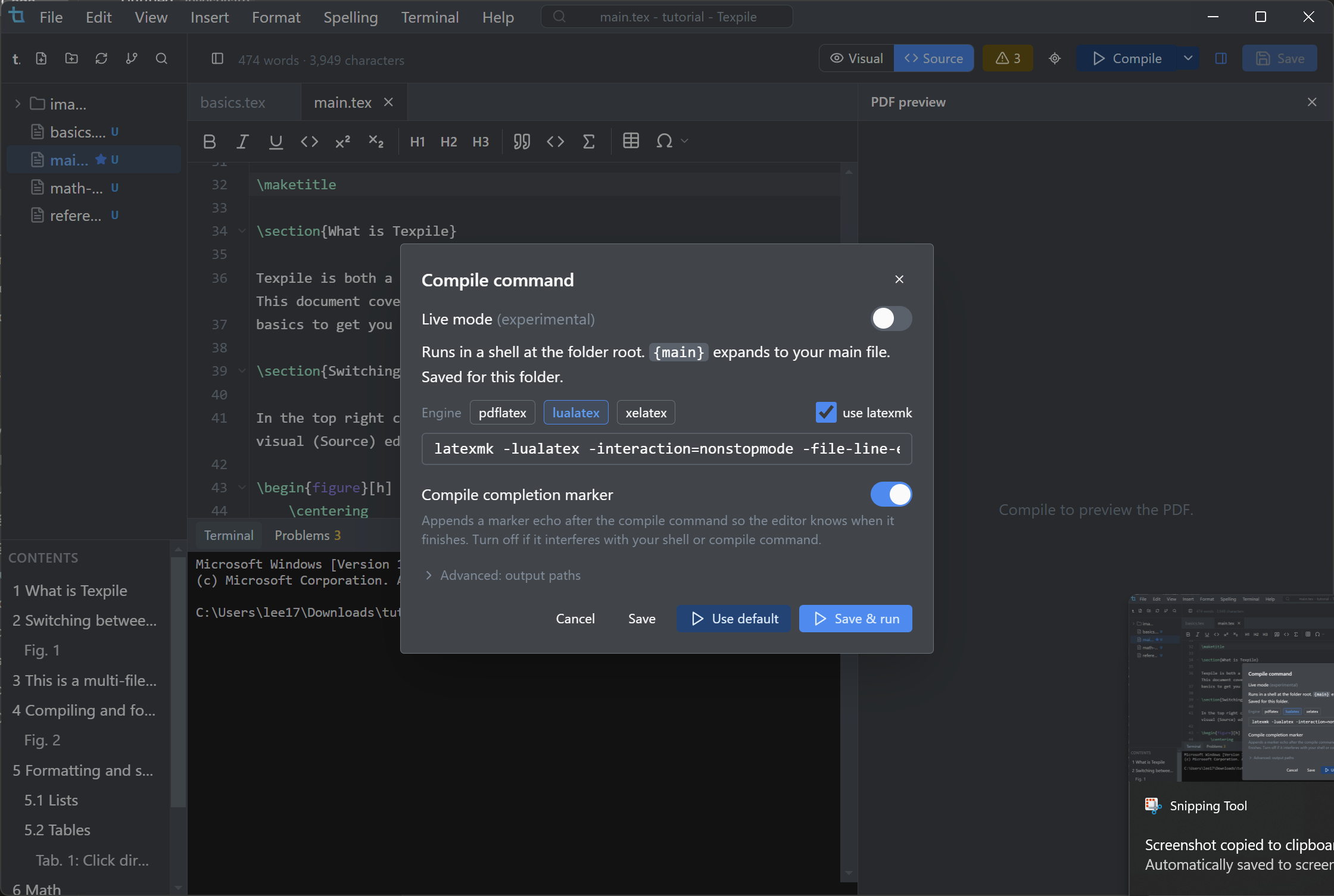
- The Preview button Top right of the editor. It reads Live while the engine is running; click it to pause.
- Setting
- Terminal › Configure compile command… › Live mode
What you are looking at
The page on screen is the same PDF a manual compile would produce, not an approximation of it. When you pause, what you see is the exact compiled page.
Instant for most edits
Most keystrokes update the page immediately. For a change too big to update safely, such as one that reflows later pages, Texpile dims the old page for a moment rather than show something that might be wrong, then swaps in the freshly compiled one.
What renders
Live preview covers the constructs a paper actually uses, not just body text.
- Math, footnotes, and tables inside floats.
- Beamer slides.
- TikZ and pgfplots figures, drawn as regions taken from the real compile.
- Large documents paint only the pages in view.
Languages and fonts
Live preview is not limited to Latin scripts.
- Right-to-left documents render right to left, with Arabic letters joined.
- Greek, Cyrillic, and Chinese, Japanese, and Korean text render correctly.
- Fonts load from OpenType, TrueType collections, and classic Type 1 math families.
When the compile fails
A failed compile is reported in the Problems panel rather than leaving a stale page with no explanation.
Live preview needs a TeX distribution installed. Editing works without one.