Intellisense
Intellisense
Completion, definitions, and hover draw on your whole project, not just the file you have open.
Where to find it
- In the editor
- Always on in the source editor Suggestions appear as you type.
- Shortcut
- Ctrl+Space Open suggestions.
- Shortcut
- F12, or Ctrl+Click Go to a definition.
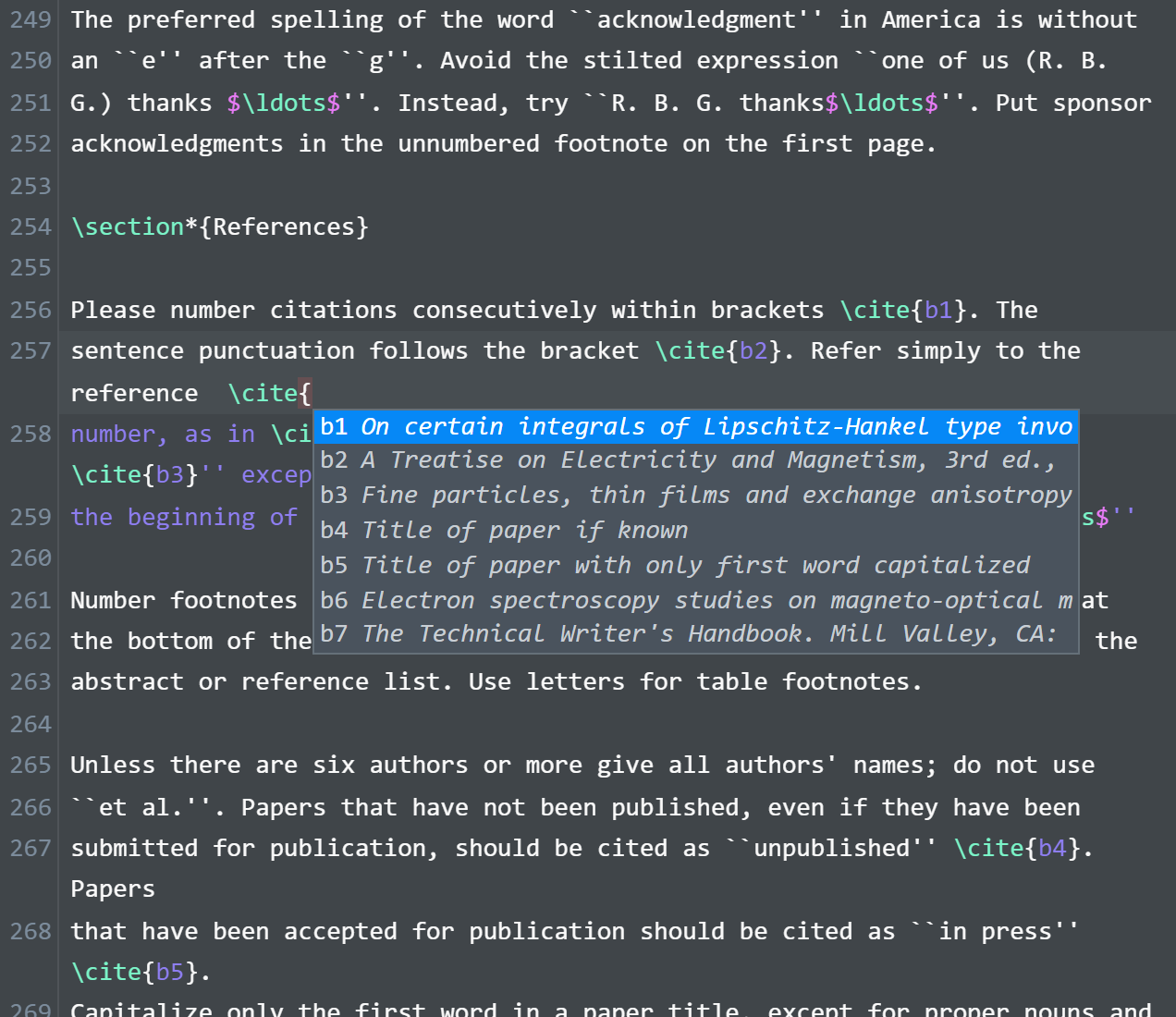
What completes
Completion covers both what LaTeX ships with and what your project defines.
- Commands and environments, including your own
\newcommandand\NewDocumentCommanddefinitions. - Package and class names, with each package's options and key-values.
-
\reflabels, shown with the number they will resolve to. -
\citekeys, searchable by title and author, plus glossary entries. - File paths inside
\input,\includegraphics, and\addbibresource.
Across the whole project
Macros are gathered from the main file's chain of \input and \usepackage, so a chapter fragment is understood with the same definitions the main file has. Labels and citation keys come from every file in the folder.
Definitions and hover
Go-to-definition and hover work across files, so following a macro to where it is defined does not depend on it being in the file you are looking at.
Arguments and renames
Accepting a macro that takes an argument reopens the suggestions for that argument. Renaming or moving a file updates the references pointing at it.