CeTZ editor
A #cetz.canvas picture in a .typ file opens in the CeTZ editor. It works as the TikZ editor does. Every canvas edit is written into the CeTZ code in place.
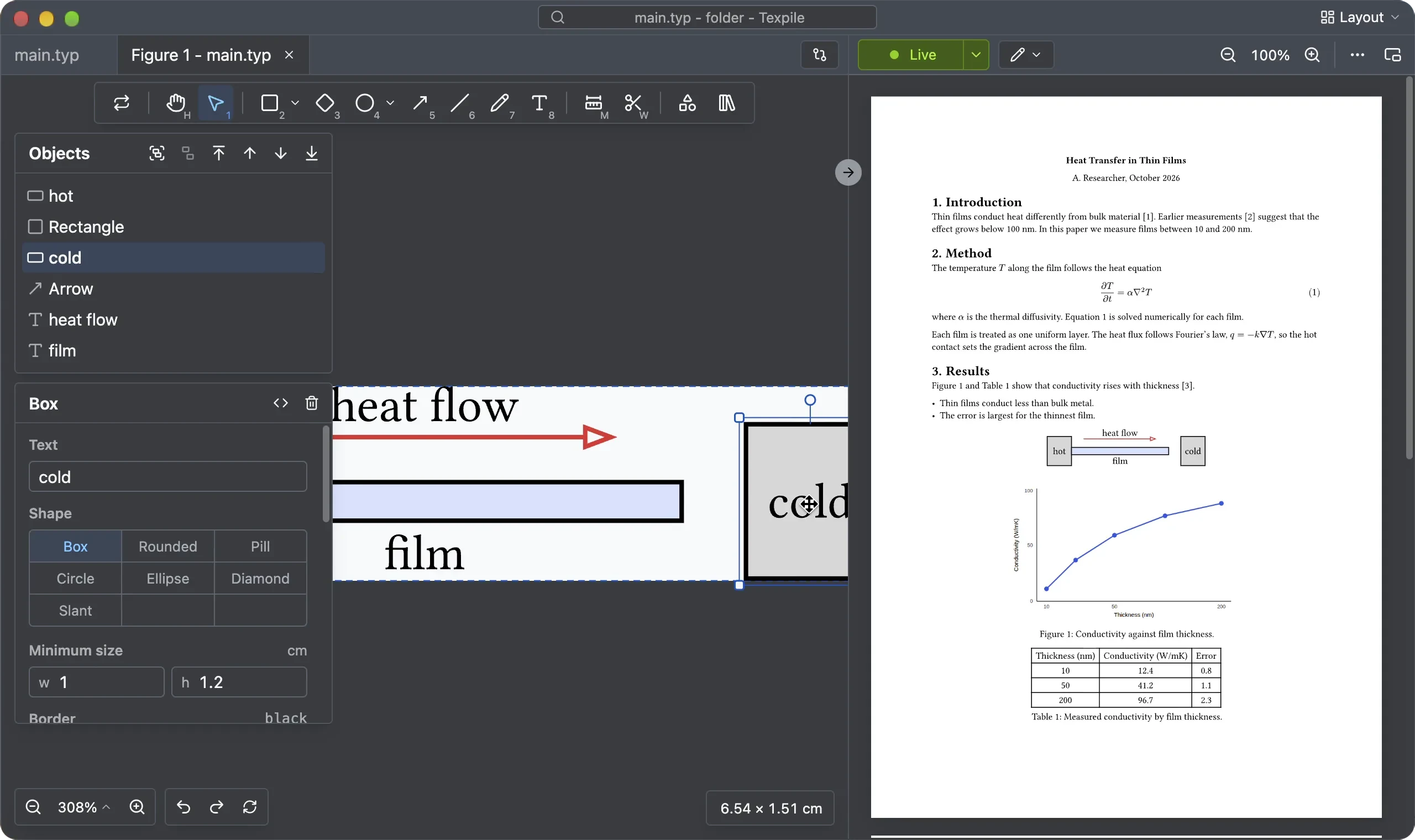
Tip: to see the CeTZ code, use the split editor, with the figure editor in one pane and the source editor in the other. Click the Layout button at the top right corner.
Shortcuts
The tools have the same keys as in the TikZ editor. The Plot and Component tools and the starting pictures are for TikZ only.
Undo and redo
The figure shares the same undo-redo history as the original .typ file.
tinymist
The picture on the canvas comes from tinymist, the program Texpile uses for Typst. Texpile starts it when a figure tab opens.
If tinymist is missing, the figure tab says "Typst figures need tinymist." and Texpile offers to install it. See Install tinymist for Typst.