Getting started
Open a folder, start a document from a template, and compile it to a PDF.
Open a folder
Click Open Folder… on the start screen, or press Ctrl O (Cmd O on macOS). New here? Try the tutorial builds a multi-file example in an empty folder you pick.
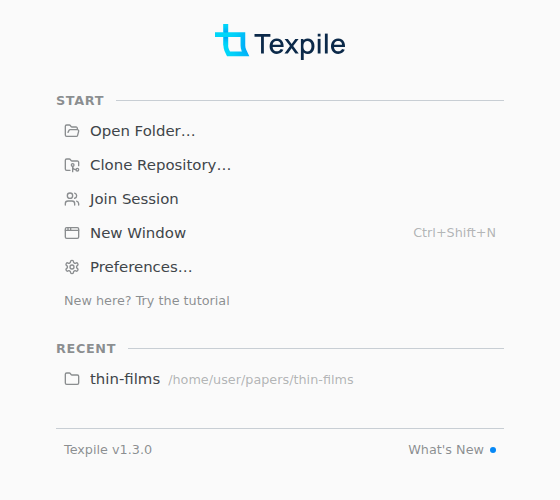
Texpile reopens your folders at the next launch, each on its last file.
Start a document
In an empty folder, Start a New Document offers LaTeX and Typst templates. Click one and Texpile copies its files into the folder.
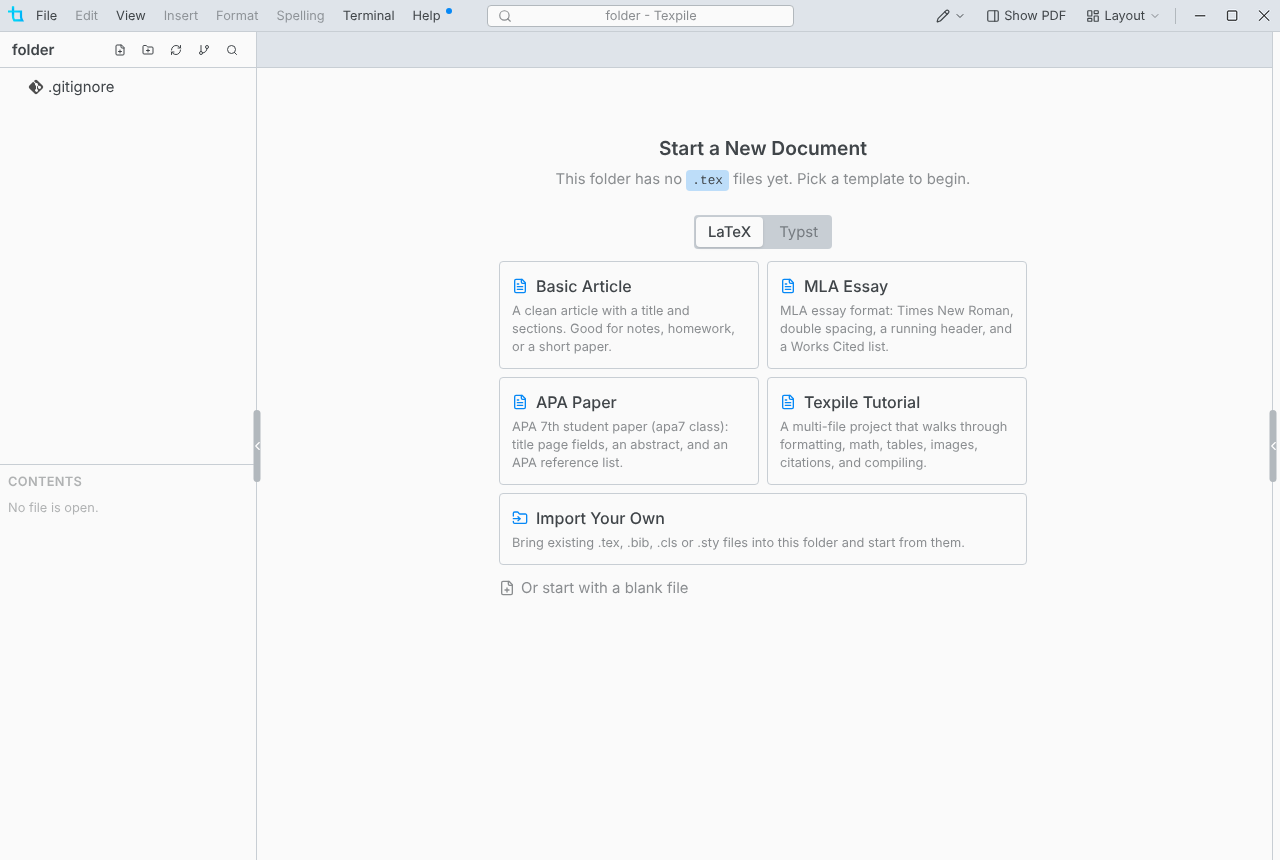
Browse Typst Templates… adds community templates from Typst Universe. File › Save as Template… turns a folder of your own into a template under Your Templates.
For Markdown, choose File › New › Markdown File. Markdown has no compile step.
Compile
Press Ctrl Alt Enter, or Compile at the top of the PDF (Show PDF in the title bar opens it). The PDF and build files go into an output folder next to the main file.
With several documents and no main file set, Texpile asks once which one to compile. To change it, right-click a file and choose Set as Main File.